








How to keep your gaming PC cool – guide to cooling

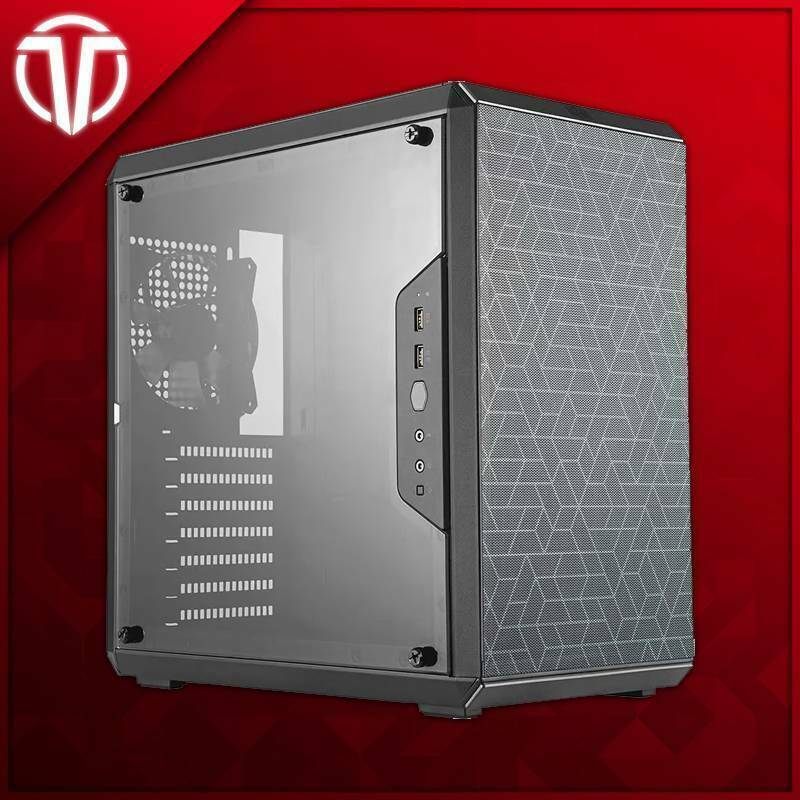
A cool computer performs better and lasts longer. When components get too hot, they automatically throttle down to protect themselves – something that shows up as stutters in the middle of a game. Here's how to keep your gaming computer cool and quiet.
Why cooling is important
Processors and graphics cards generate a lot of heat during gaming. Effective cooling keeps temperatures down, resulting in smoother performance, lower noise levels, and longer component life.
Air cooling vs water cooling
Air cooling
- Reliable and affordable: Few moving parts and long service life.
- Easy maintenance: Mostly dusting now and then.
- Enough for most people: A good air cooler can handle most gaming computers.
Water cooling (AIO)
- Effective cooling: Good for powerful systems.
- Stylish and quiet: Often lower noise level under high load.
- Slightly higher price: And more components that can wear out.
Tips for better cooling
- Ensure good airflow in the enclosure with fans that draw in cool air and blow out warm air.
- Clean dust regularly – dusty fans and filters significantly reduce cooling.
- Make sure cables do not block airflow.
- Place the computer so that it has air around it, not trapped in a cabinet.
Our recommendation
For most people, a good air cooler and well-thought-out airflow will go a long way. If you're building a powerful system, water cooling can be worth the investment. With us you'll find chassis with good airflow and other components.
Do you want to build a well-balanced system? Read more about our PC components and hardware and other.

